Overview
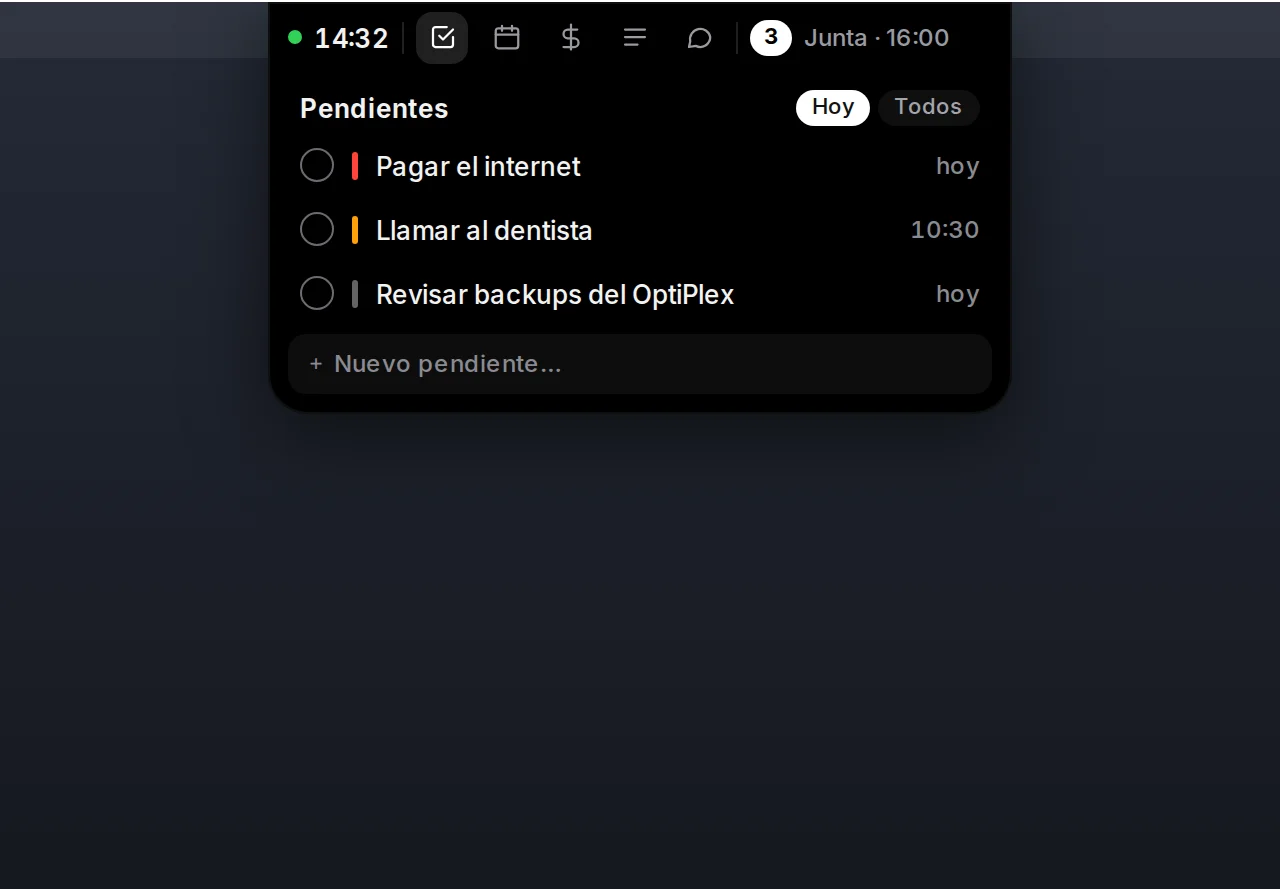
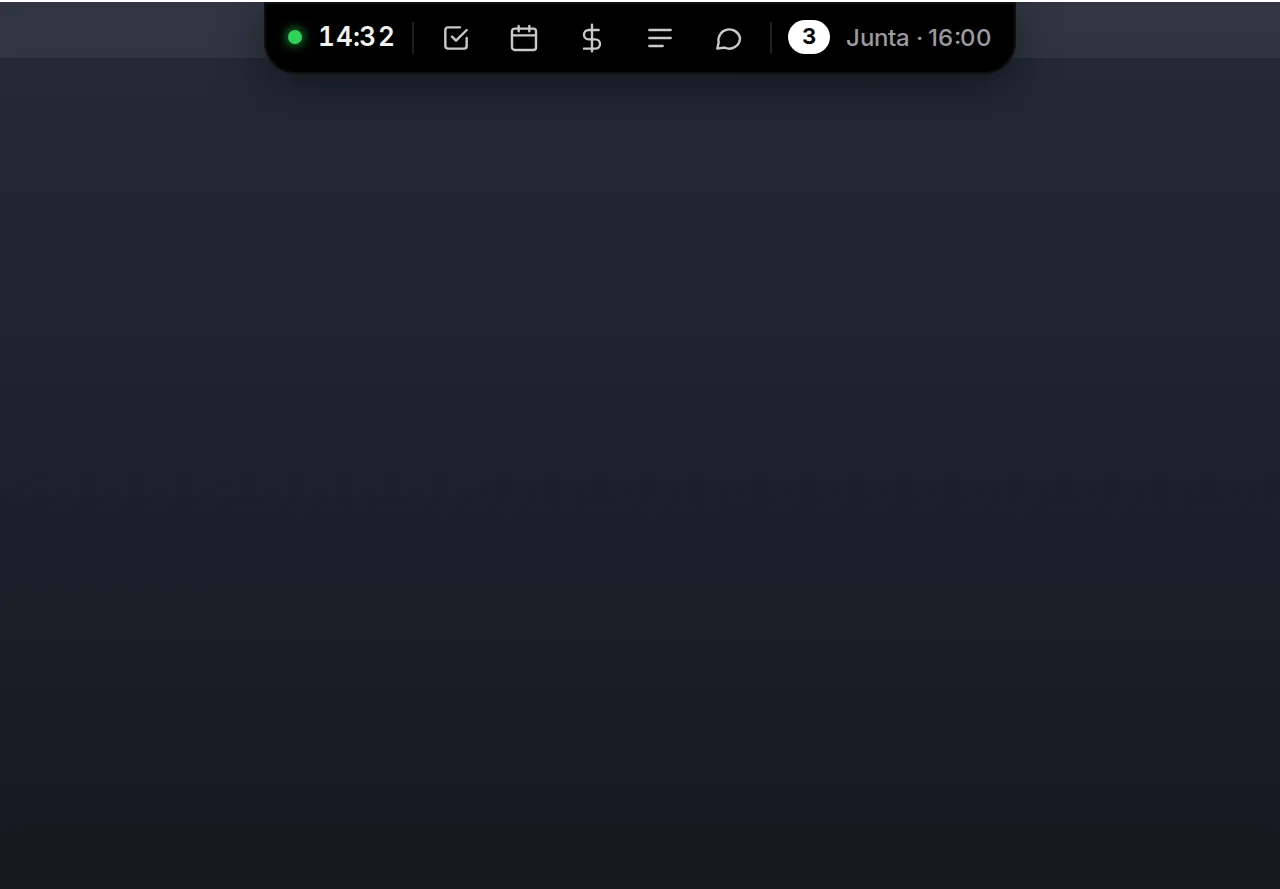
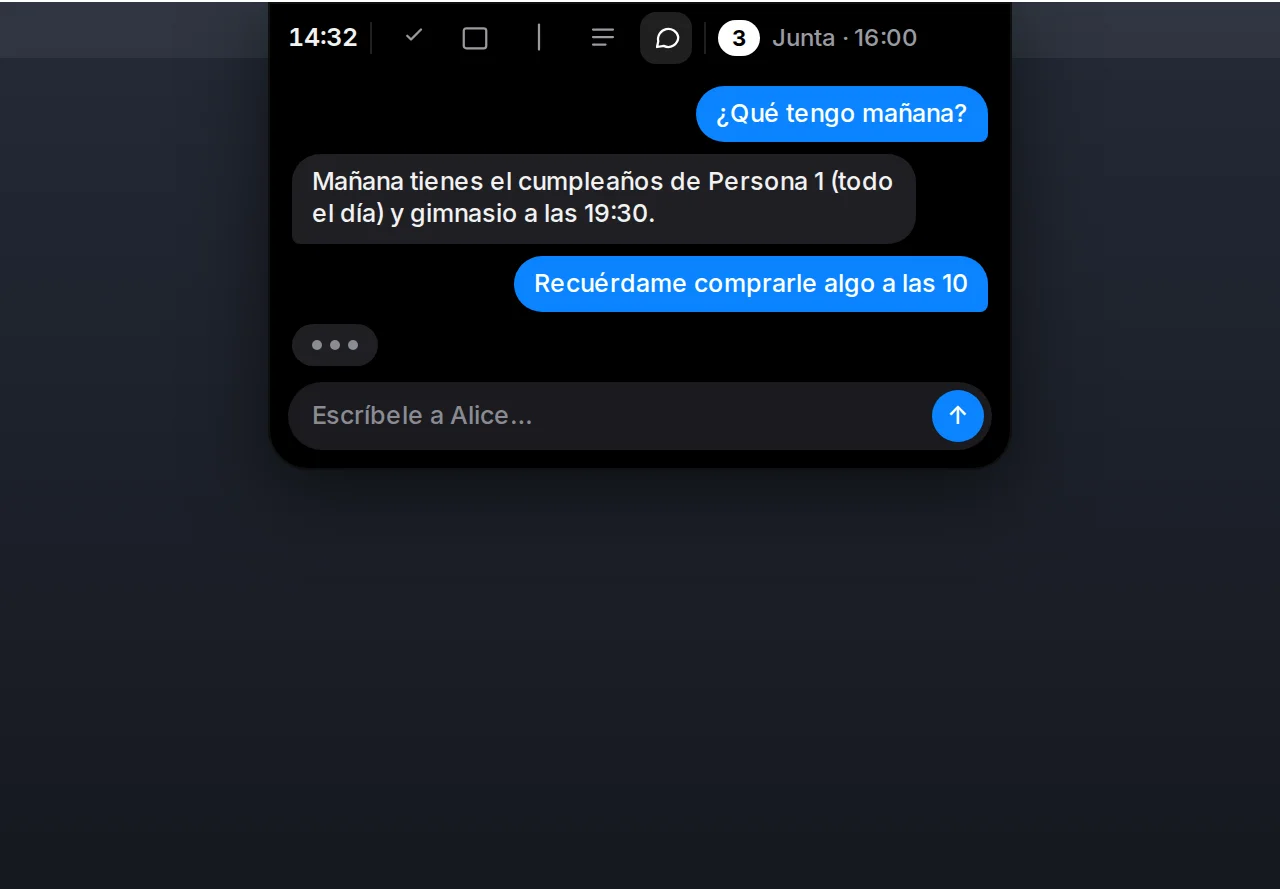
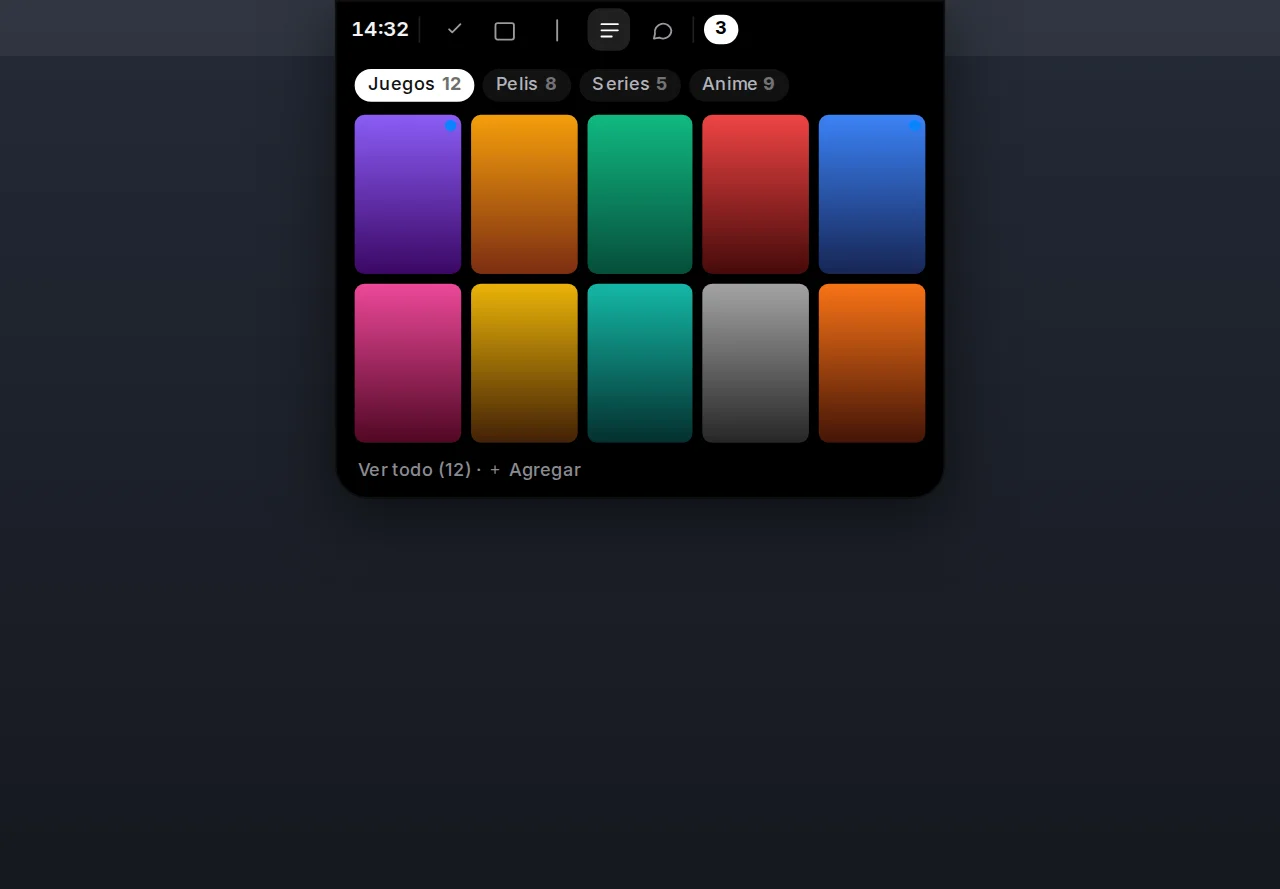
Alice is a personal assistant that runs on a home server and talks through Telegram and an Android app. Alice Desktop puts her on the Windows 11 desktop as a dynamic island: a black strip at the top centre of the screen that is invisible until the mouse touches it, and that then shows the time, the next event, how many things are due today and five buttons — to-dos, events, debts, lists and chat.
Three things had to be true at once: everything the phone app can do must be doable from the island, voice must work in any program without the server being reachable, and the island must never get in the way. The last one shaped the whole build.
Invisible means no cost
The first version was a conventional floating window of 720 × 480 pixels that resized itself per state, with spring animations between them. It felt heavy, it stole focus, and it duplicated information across tabs. The redesign made every view exactly 372 pixels wide, hidden by default, and instantaneous.
The window itself is never resized. It is a fixed 400 × 360 logical-pixel
transparent window pinned to the top centre of the monitor, and what is visible
is cut out with a Win32 window region (SetWindowRgn). Outside the region
nothing is painted and clicks fall through to whatever is underneath. Hidden, the
region is a 372 × 4 pixel strip; the browser's own mouseenter on that strip
brings the bar up, and mouseleave hides it again with no delay. There is no
cursor polling, no timer and no transition anywhere — transition: none is set
globally on the island — so the resting cost is zero and each state change is
painted on the next frame.
The targets were measured, not assumed. With an environment flag the app logs hover-to-bar, click-to-section and every region change to a file, and a tour mode walks through every section and form on its own and records whether each one fits inside the 360-pixel window. The goals: bar under 30 ms, section under 16 ms, idle CPU around zero, idle memory under 80 MB without the speech model loaded.
One client more, not a new server
The island is just another client of the assistant's HTTP API, the same one the Android app uses, reached over a Tailscale Funnel with a bearer token. Nothing changed on the server side. Every panel has full create, edit and delete, with forms equivalent to the phone's sheets, and the TypeScript types were written from real responses saved as fixtures rather than from documentation.
Every endpoint keeps a cache of its last answer, so when the home server is unreachable the panels still show the last known data and only the save button is honest about failing. Alerts are a plain poll of the day's summary every sixty seconds; the card that slides in has "Done" and "Remind me in 10 minutes" and appears even while the island is hidden.
Voice without leaving the machine
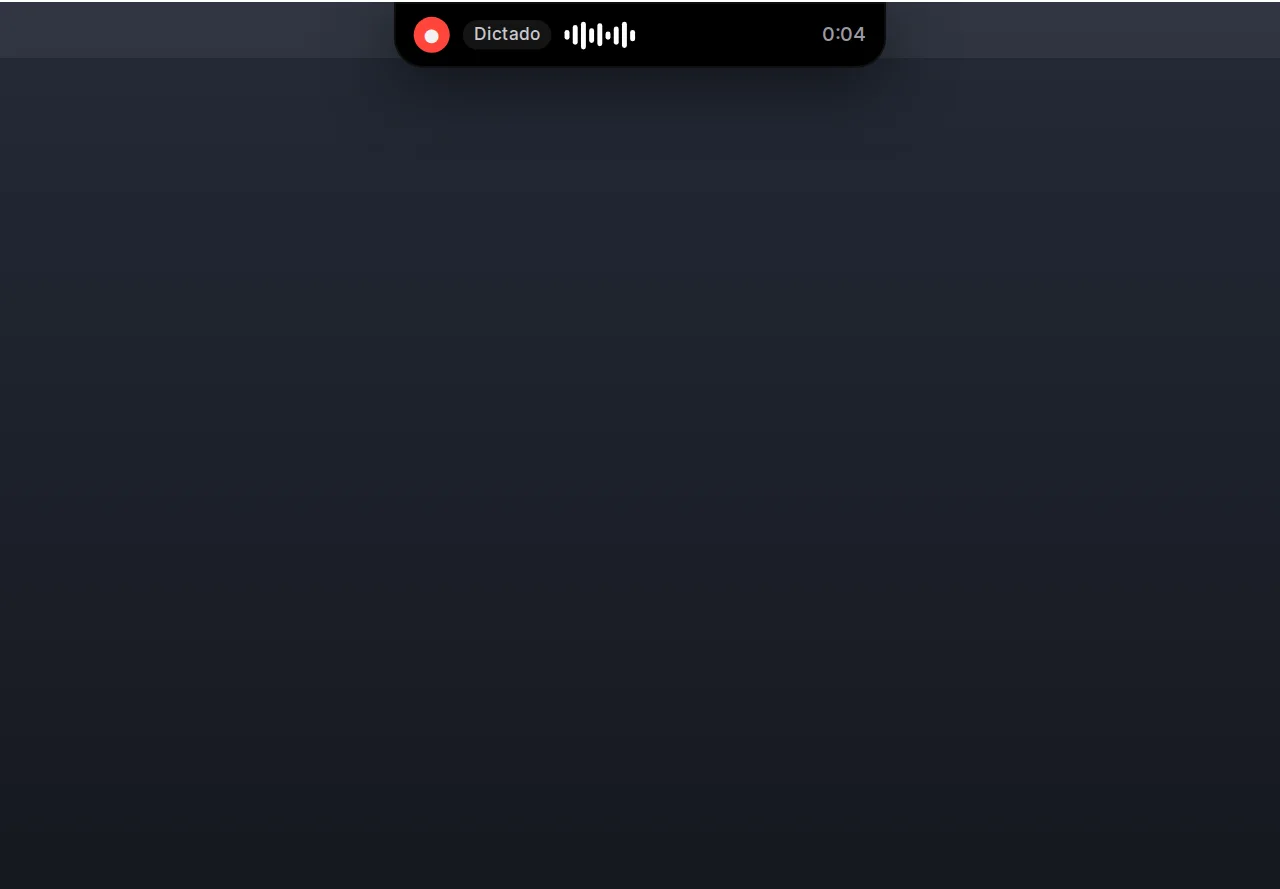
Hold the right Control key, speak, release: the text appears where the cursor is, in any program. Transcription runs locally with NVIDIA's Parakeet TDT 0.6B v3 model, quantised to int8, through sherpa-onnx. The model is a one-time 670 MB download; after that nothing leaves the PC. Pasting is done through the clipboard in a way that keeps the text out of the clipboard history and restores whatever was there before, with a fallback to typing the text as Unicode input when a program blocks the clipboard.
Hold the right Alt key instead and the transcript goes to Alice. Before it does, a pure parser — no Windows calls, fully unit-tested — checks whether it is a local command: open a site, a program or a folder, search YouTube or Google, change the volume, control playback, lock, sleep or shut down. Those execute in under a second and a half; anything else is sent as text to the assistant and the reply shows in the island. On a Spanish keyboard the right Alt is AltGr, so the hook has to let AltGr combinations keep typing their symbols and only treat a lone hold as the voice key.
The global keys use a low-level keyboard hook on its own thread. It only observes — it never swallows a key — and it ignores injected events, so nothing can trigger a recording synthetically.
The rest of the body
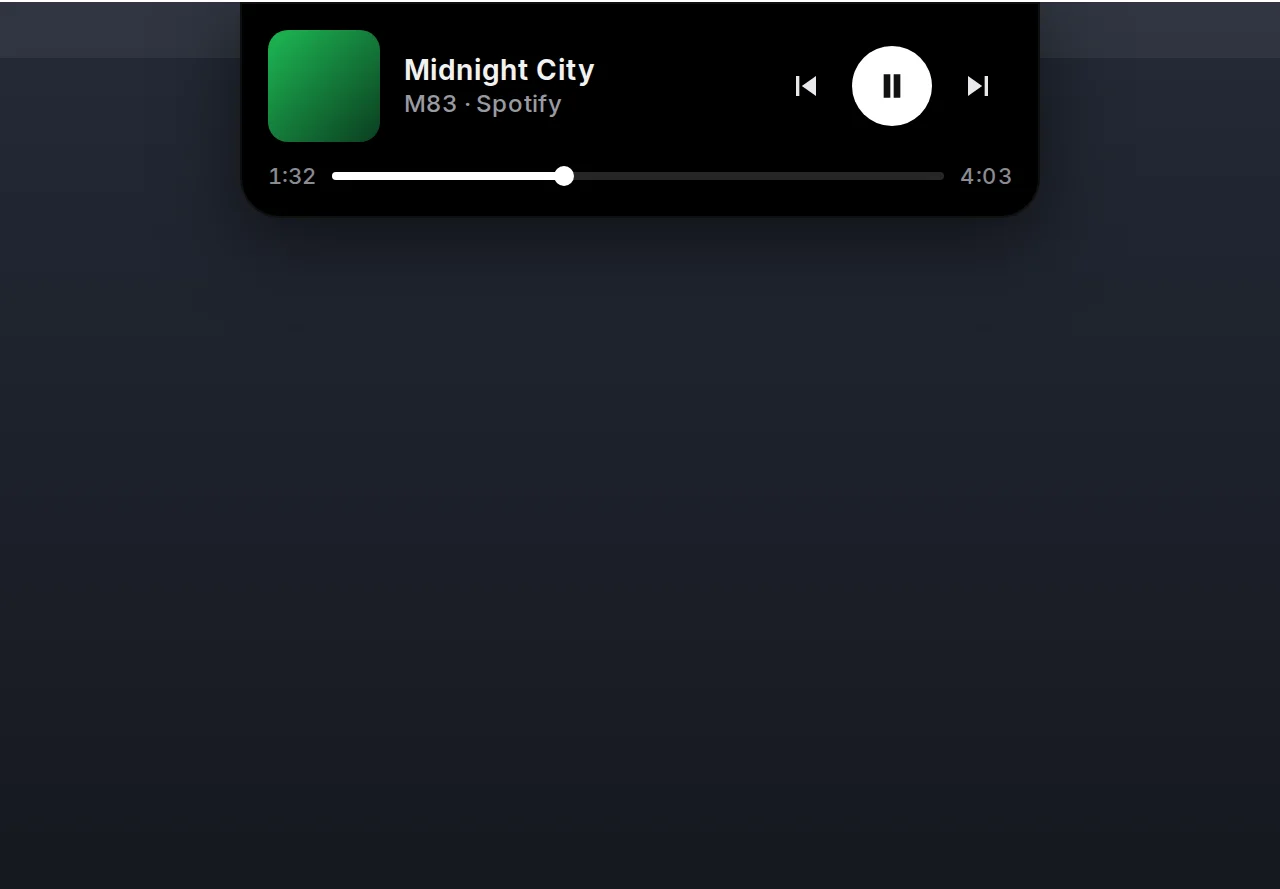
A music card reads the system media session, so any player shows cover art, title and transport controls without an integration per app. The settings window holds the server token in the Windows Credential Manager, never in a file; configuration lives in the user's AppData; autostart is a per-user registry entry, never machine-wide. The installer is a per-user NSIS package that needs no administrator rights. No accounts, no telemetry.
The visual language is shared with the rest of the Alice ecosystem through a single design document: pure black, the Inter typeface bundled with the app, stroke icons, grouped cells, and ink instead of colour except where colour means something — priority, money, music.
Stack
Tauri 2 with a Rust core and a React 19 + TypeScript interface. The logic that can
be tested without Windows — hotkey hold and double-tap state machine, command
parsing, geometry, configuration — lives in a separate Cargo crate with its own
tests; the Windows-specific modules (keyboard hook, audio capture with cpal,
sherpa-onnx recognition, clipboard paste, media session, window region, tray)
are kept thin. Vitest and Testing Library on the interface, cargo test on the
workspace, and a written manual checklist for what only a human can verify.
Audio capture, model download, the keyboard hook and clipboard paste are adapted from the MIT-licensed Windows code of coucou, credited file by file; its name, character and sounds are not used.